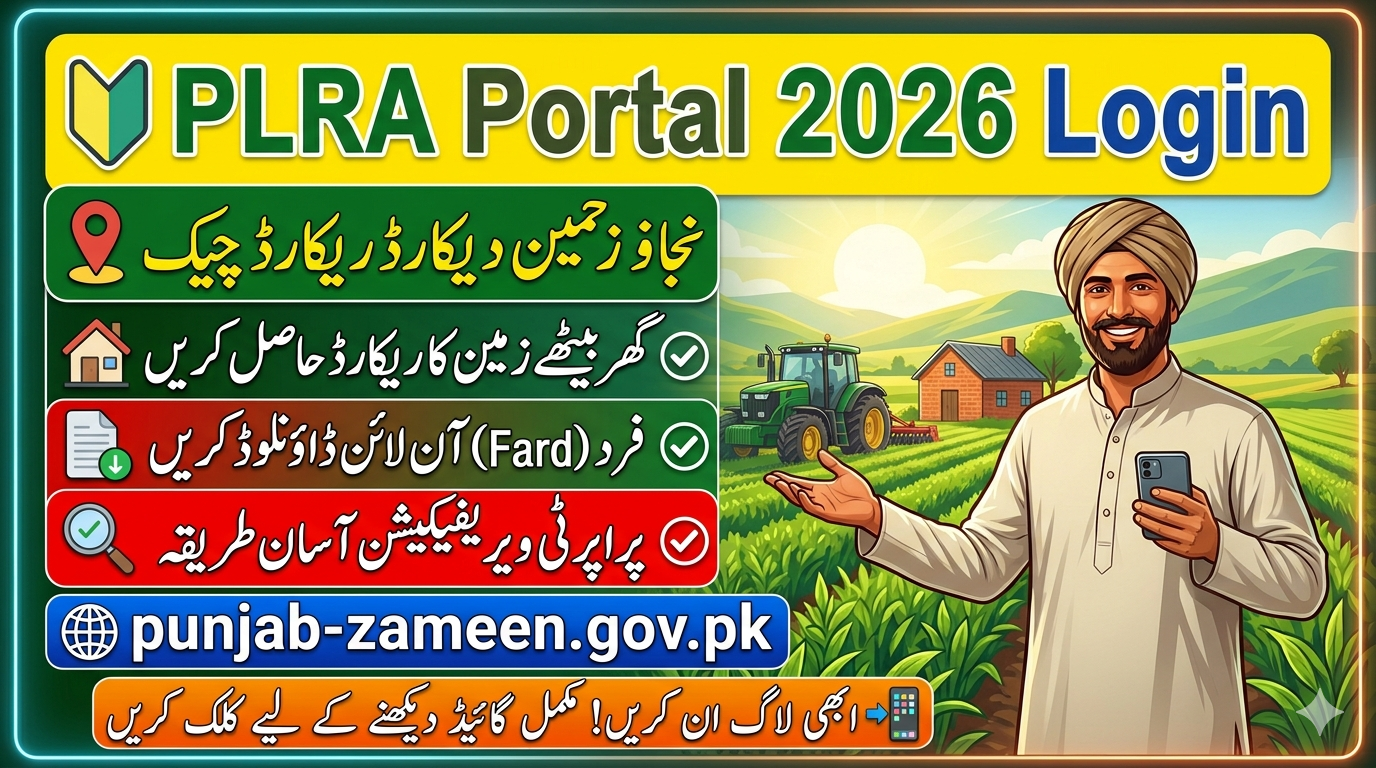
The digital transformation of land record management in Punjab has significantly improved transparency, efficiency, and accessibility for citizens. One of the most important initiatives in this regard is the online portal launched by the Punjab Land Records Authority. The PLRA Portal 2026, accessible via punjab-zameen.gov.pk, allows users to access land records, verify ownership, and manage property-related services without visiting government offices.
PLRA Portal 2026 Login punjab-zameen.gov.pk Punjab Land Records Authority
The PLRA Portal (Punjab Land Records Authority) serves as the official digital platform for managing land-related services and facilitating government initiatives like the Apna Khet Apna Rozgar Scheme in Punjab. By visiting https://www.punjab-zameen.gov.pk, users can explore services such as land record checking, ownership verification, and online applications for schemes including Apna Khet Apna Rozgar 2026.
The PLRA Portal 2026 provides a secure and user-friendly system where individuals can sign in using their CNIC, create profiles, submit applications, and track their status. This transparent online platform is designed to make land services more accessible while supporting farmers and eligible applicants across Punjab.
Punjab Land Records Authority
| Feature | Details |
|---|---|
| Portal Name | PLRA Portal 2026 |
| Organization | Punjab Land Records Authority |
| Official Website | punjab-zameen.gov.pk |
| Login Requirement | CNIC & Password |
| Main Services | Fard, Land Record Check, Mutation Tracking, Property Verification |
| Availability | 24/7 Online Access |
| Target Users | Punjab Citizens & Overseas Pakistanis |
| Registration | Required for full access |
| Security | OTP Verification & Secure Database |
| Purpose | Digital Land Record Management |
PLRA Portal Login 2026 – Step-by-Step Guide
To access your land records, you must log in to the PLRA portal. Follow these simple steps:
Step 1: Visit Official Website
Go to the official website: punjab-zameen.gov.pk
Step 2: Click on Login
On the homepage, click on the “Login” button.
Step 3: Enter Credentials
Provide your:
- CNIC number
- Password
Step 4: Access Dashboard
After successful login, you will be redirected to your dashboard where you can access all services.
How to Register on PLRA Portal
If you are a new user, you must create an account before logging in.
Registration Process:
- Open the official PLRA website
- Click on “Sign Up”
- Enter your personal details:
- Full Name
- CNIC Number
- Mobile Number
- Email Address
- Create a strong password
- Verify your account via OTP
- Submit the form
Once registered, you can log in anytime to access services.
Services Available on PLRA Portal
The portal provides a wide range of services for citizens:
1. Fard (Land Ownership Document)
Users can view and download their land ownership document online.
2. Property Verification
Verify ownership details before buying or selling property.
3. Mutation Tracking
Track the status of property transfer (Intiqal).
4. Land Record Search
Search land records by:
- CNIC
- Khewat number
- Property details
5. Complaint System
Users can file complaints regarding land issues.
Using PLRA Portal
The introduction of the PLRA portal has brought several advantages:
1. Transparency
Eliminates fraud and corruption in land dealings.
2. Time-Saving
No need to visit government offices physically.
3. Easy Access
Available 24/7 from anywhere.
4. Accuracy
Digital records reduce human error.
5. Security
Data is stored securely in a centralized system.
Punjab Land Records Authority
The Punjab Land Records Authority was established to modernize land record management in Punjab. It replaced the traditional Patwari system with a computerized system.
Main Objectives:
- Digitization of land records
- Providing easy access to citizens
- Ensuring transparency
- Reducing corruption
PLRA has set an example for other provinces by implementing advanced technology in governance.
How to Check Land Record Online
Checking land records online is simple:
- Visit punjab-zameen.gov.pk
- Login to your account
- Select “Land Record Search”
- Enter required details (CNIC or property info)
- Click “Search”
You will instantly get complete land information.
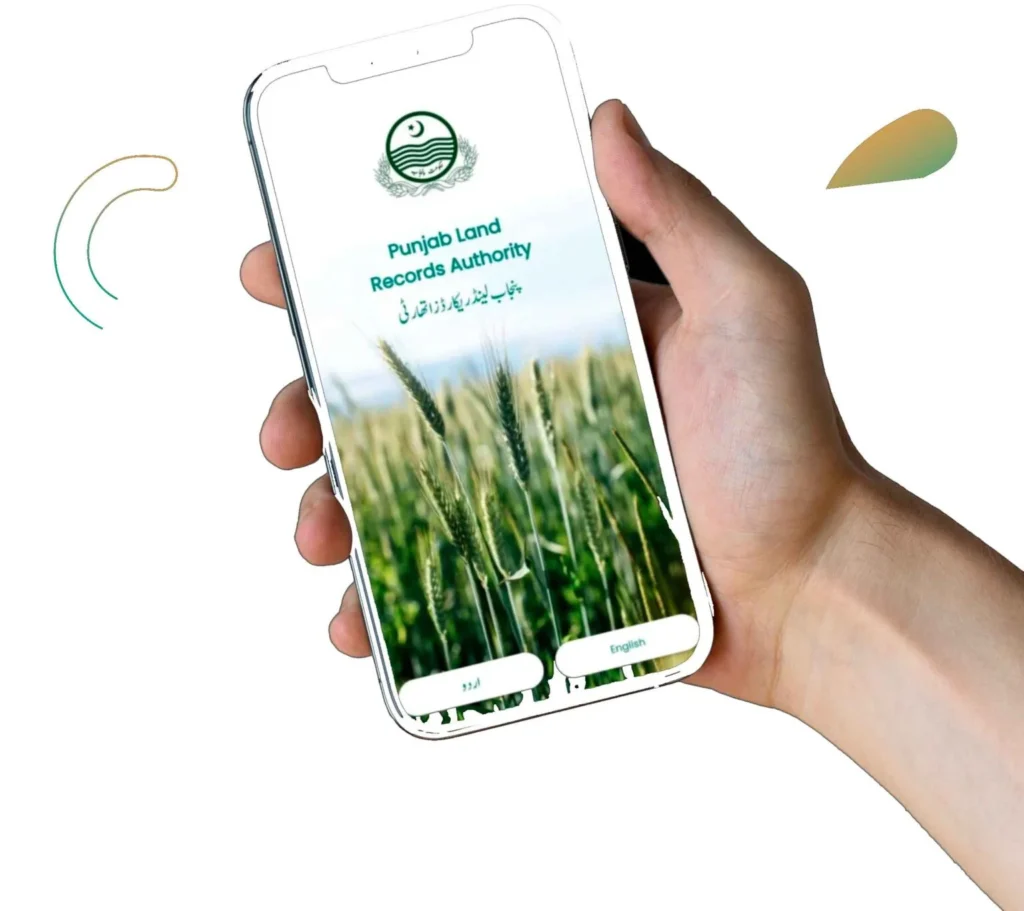
PLRA Mobile Accessibility
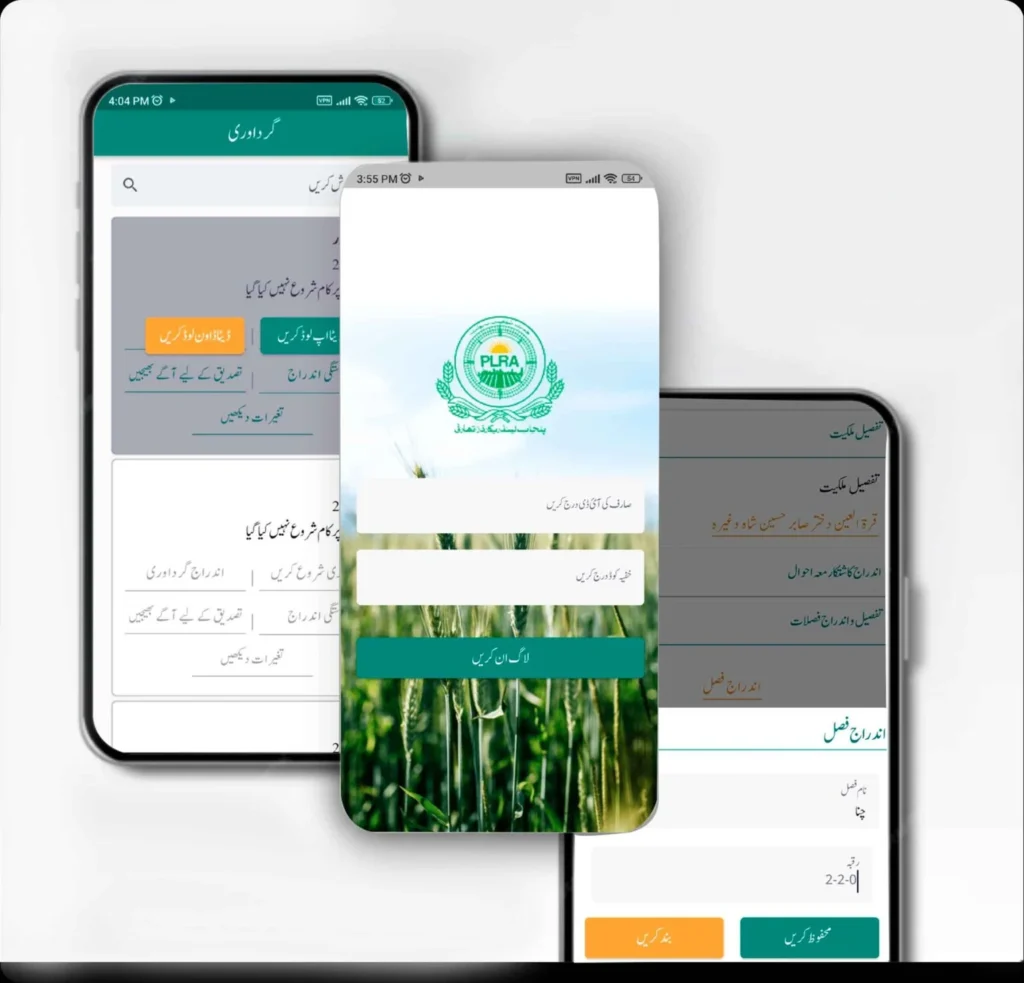
Although the main system is web-based, users can access the portal through mobile browsers. This ensures convenience for people who do not have access to computers.
punjab-zameen.gov.pk Registration
Common Issues and Solutions
1. Forgot Password
- Click on “Forgot Password”
- Enter CNIC
- Reset via OTP
2. Login Error
- Check CNIC and password
- Clear browser cache
3. Website Not Loading
- Try different browser
- Check internet connection
PLRA Portal for Overseas Pakistanis
Overseas Pakistanis can also use the portal to verify and manage their property without visiting Pakistan. This feature is extremely beneficial for investors and expatriates.
Www.punjab-zameen.gov.pk Online Apply
اپلائی کرنے کا طریقہ
PLRA ویب سائٹ یا اسسٹنٹ کمشنر آفس سے درخواست
کمپیوٹرائزڈ قرعہ اندازی کے ذریعے انتخاب
رزلٹ PLRA ویب سائٹ اور AC آفس میں جاری ہوگا
اہم شرائط
قبضہ کے 30 دن میں پہلا کرایہ جمع کروانا ہوگا
ہر سال 15 جنوری تک کرایہ ادا کرنا ہوگا
ایک سال میں کاشت شروع نہ کی تو لیز منسوخ ہو سکتی ہے
سال میں دو بار معائنہ کیا جائے گا
لیز ختم ہونے پر زمین واپس حکومت کو دینا ہوگی
PLRA Portal Login
The PLRA (Punjab Land Records Authority) portal allows users to securely log in using their CNIC and password to access land records, apply for schemes, and track applications online through https://www.punjab-zameen.gov.pk.
PLRA Portal Sign Up / Register
New users can create an account by selecting the sign-up option, entering their CNIC, mobile number, and basic details. After verification, they can activate their account to use all PLRA online services.
PLRA Portal Sign In
Registered users can sign in anytime by entering their CNIC and password to access their dashboard, apply for schemes like Apna Khet Apna Rozgar, and view land record services in Punjab.
FAQs
1. What is PLRA Portal?
It is an online system to access land records in Punjab.
2. How can I login to PLRA Portal?
Visit punjab-zameen.gov.pk and enter your CNIC and password.
3. Is PLRA Portal free to use?
Yes, basic services are free.
4. Can overseas Pakistanis use it?
Yes, they can access and verify land records online.
5. Is the data secure?
Yes, the system uses advanced security measures.