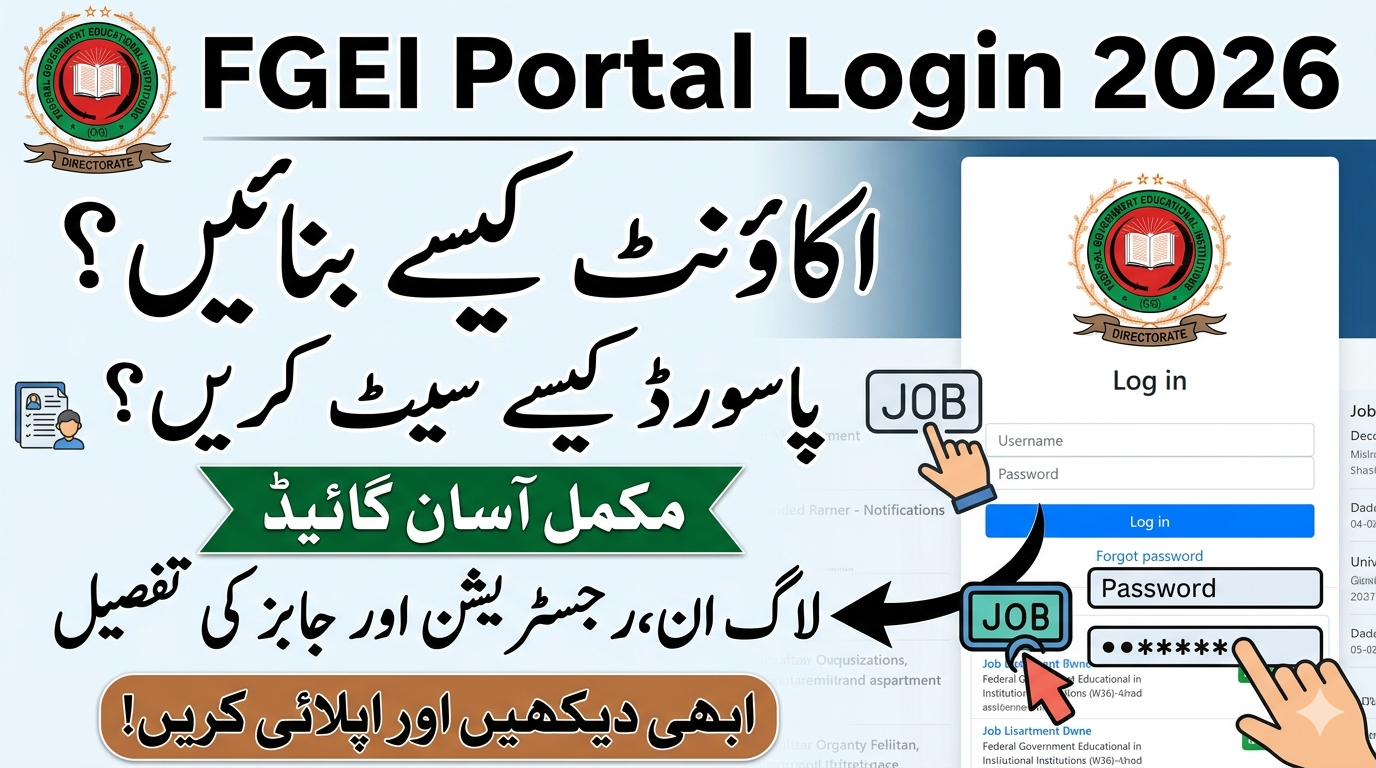
The FGEI Portal Login 2026 serves as a vital online system for individuals seeking employment in the Federal Government Educational Institutions (FGEI). Using the FGEI Induction Portal, candidates can register accounts, log in securely, submit applications, and track their recruitment status with ease.
Welcome to the FGEI Induction Portal. We are pleased to have you as part of this recruitment process. Applicants are strongly advised to carefully read all instructions and ensure that the information provided is accurate and complete. The system is designed to maintain merit, fairness, and transparency at every stage, providing equal opportunities to all candidates.
FGEI Portal Login 2026 Password Create Account
The FGEI Portal Login 2026 has become an essential online platform for students, teachers, and job applicants connected with Federal Government Educational Institutions. This digital system allows users to access academic services, manage accounts, apply for jobs, and stay updated with the latest announcements. As technology continues to reshape education systems, the FGEI portal stands out as a modern solution for efficient communication and service delivery.
FGEI Induction Portal Details
| Feature | Details |
| Portal Name | FGEI Induction Portal |
| Website | induction.fgei.gov.pk |
| Purpose | Apply for FGEI Jobs 2026 |
| Account Creation | Required for application submission |
| Login Method | Email / Username & Password |
| Password Recovery | Available via “Forgot Password” option |
| Application Mode | Fully Online |
| Selection Process | Written Test & Interview |
| Organization | Federal Government Educational Institutions |
| Department | Ministry of Defence |
| Support Contact | (051) 4252080, info@fgei.gov.pk |
How to Create a New Account on FGEI Portal
To apply for FGEI Jobs 2026, you must first create an account on the portal.
Steps to Create FGEI Account:
- Visit the official website: induction.fgei.gov.pk
- Click on “Register / Create Account”
- Enter your personal details (Name, CNIC, Email, Phone Number)
- Create a secure login password
- Submit the registration form
- Verify your account via email
FGEI Portal Login 2026
After creating your account, you can access the portal anytime:
- Enter your email/username
- Enter your password
- Click on Login
The dashboard allows you to complete applications, upload documents, and track updates.
How to Create an Account on FGEI Portal 2026
Creating an account is the first step to accessing the portal. Follow these simple steps:
Step 1: Visit Official Portal
Open your browser and go to the official FGEI portal website.
Step 2: Click on “Sign Up”
On the homepage, find and click the Create Account / Sign Up option.
Step 3: Enter Personal Details
Fill in the required information such as:
- Full Name
- CNIC/B-Form Number
- Email Address
- Mobile Number
Step 4: Create Username
Choose a unique username that you will use for login.
Step 5: Set Password
Create a strong password (details below).
Step 6: Submit Form
Click on the Register button to complete your account creation.
Step 7: Verification
Verify your account via OTP sent to your mobile or email.
How to Create a Strong Password for FGEI Portal
A strong password is essential for protecting your account. Here are some tips:
- Use at least 8–12 characters
- Include uppercase and lowercase letters
- Add numbers and special characters (e.g., @, #, $)
- Avoid using your name or birth date
- Do not reuse passwords from other websites
Example of Strong Password
Fgei@2026Secure!
FGEI Portal Login Process 2026
Once your account is created, logging in is easy:
Step-by-Step Login Guide
- Visit the official portal
- Click on Login
- Enter your username/email
- Enter your password
- Click Sign In
After login, you will be redirected to your dashboard where all services are available.
Forgot Password? Here’s How to Reset
If you forget your password, don’t worry. Follow these steps:
- Go to the login page
- Click on Forgot Password
- Enter your registered email or CNIC
- Receive OTP or reset link
- Create a new password
- Confirm and login again
Benefits of Using FGEI Portal
The portal offers multiple advantages for users:
1. Time-Saving
No need to visit offices physically—everything is available online.
2. Transparency
All job applications and results are processed in a transparent system.
3. Easy Access
Available 24/7 from anywhere in Pakistan.
4. Centralized Information
All updates, notifications, and records are in one place.
Common Issues and Solutions
Users may face some common problems while using the portal. Here’s how to fix them:
1. Login Error
- Check your username and password
- Ensure Caps Lock is off
2. OTP Not Received
- Wait for a few minutes
- Check spam folder (for email OTP)
3. Slow Website
- Try refreshing the page
- Use a stable internet connection
4. Account Locked
- Contact support or wait for automatic unlock
FGEI Jobs 2026 Through Portal
The FGEI portal is widely used for job applications in federal institutions. You can apply for positions like:
- Teachers (Elementary & Secondary)
- Administrative Staff
- Clerks (UDC/LDC)
- Lab Assistants
- Support Staff
How to Apply for Jobs
- Login to your account
- Go to Jobs Section
- Select desired post
- Fill application form
- Upload documents
- Submit application
Contact Information
For any queries or assistance, you can contact:
- Phone: (051) 4252080
- Email: info@fgei.gov.pk
Public Relations Officer:
Lt. Col Dr Amjad Sultan
- Phone: (051) 5563198
- Complaint Email: complaint@fgei.gov.pk